If you wish to export your current Members List (a list of your eligible users), head to the Members tab on the Management Portal (admin.myclearhead.com).
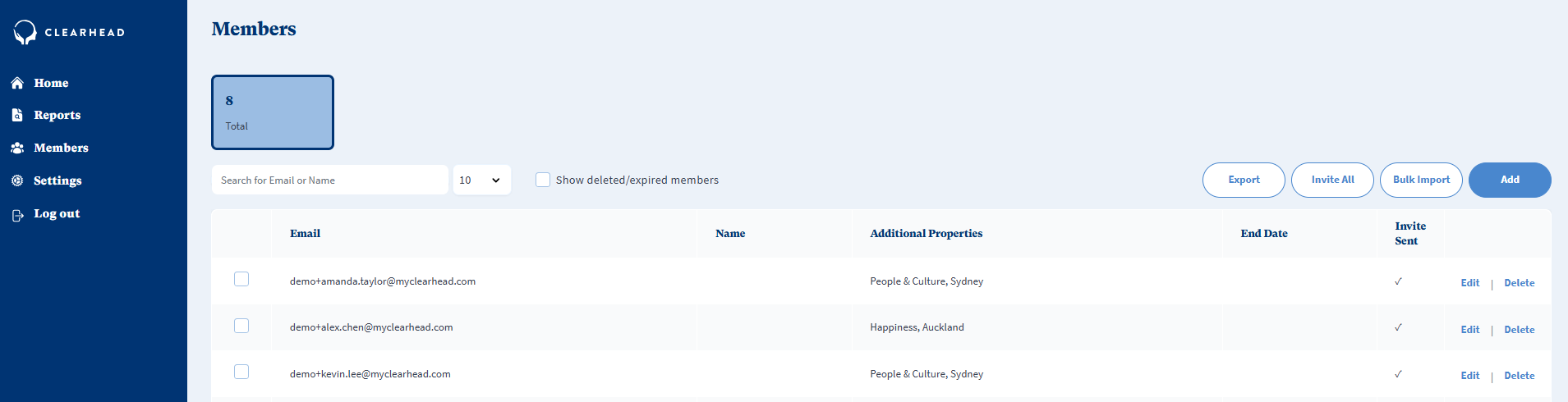
Click Export.
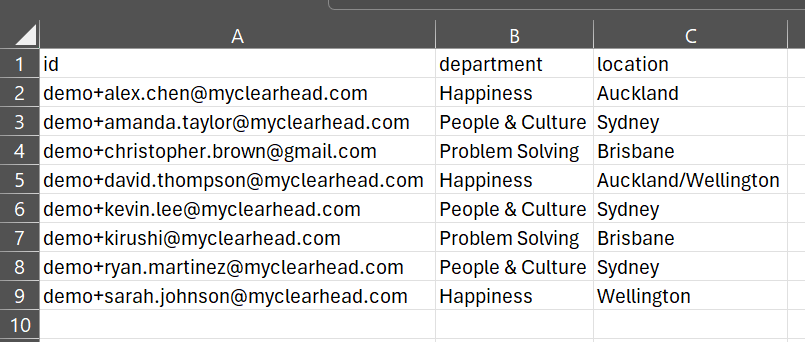
This will export an excel spreadsheet of all eligible members and their additional properties (if provided). Please note this list will not contain deleted/expired members.
Was this article helpful?
That’s Great!
Thank you for your feedback
Sorry! We couldn't be helpful
Thank you for your feedback
Feedback sent
We appreciate your effort and will try to fix the article